
Business managers.
Less work per quote.
moveretail connects vehicle inventory with offer calculations. Your team uses calculated monthly payments in customer conversations, on your website and when handling digital inquiries.
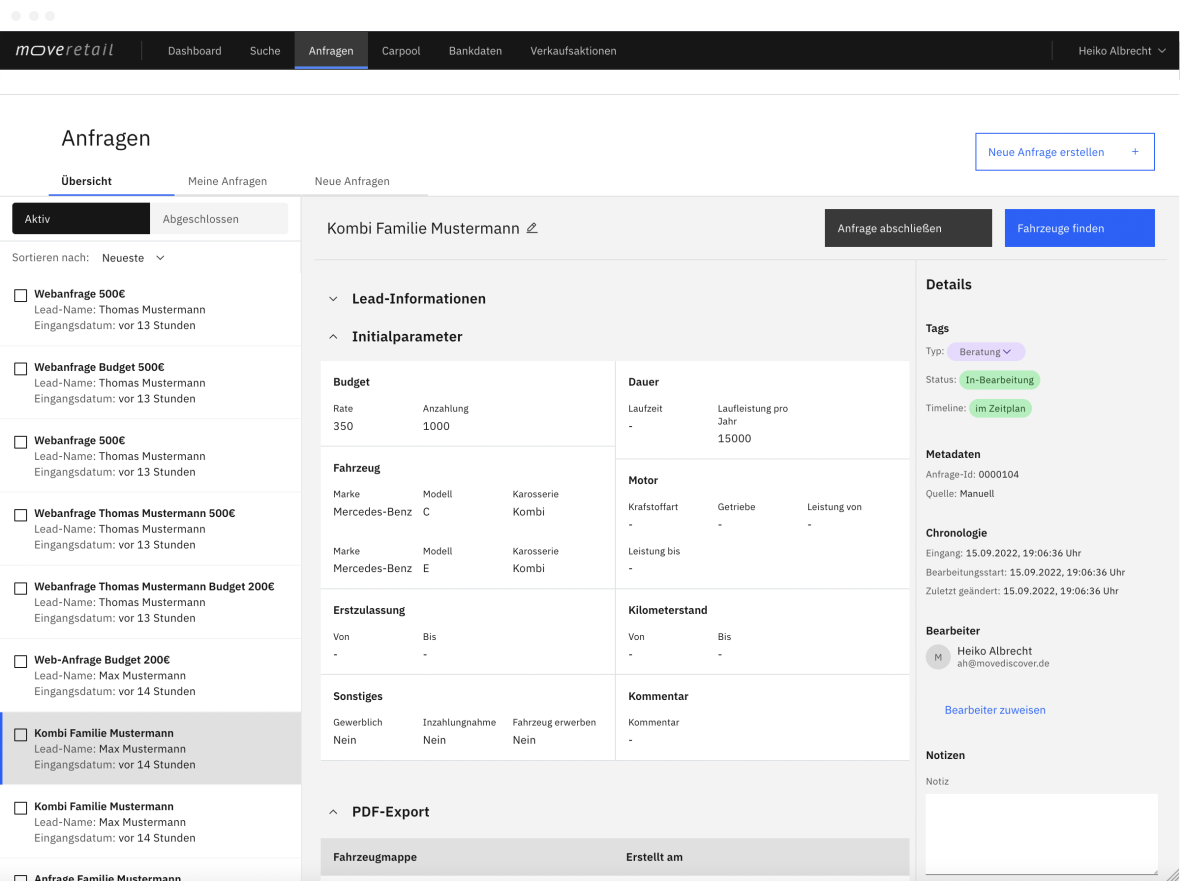
Reduce the work behind each offer
More vehicles, different terms, new down payments: each option takes time. moveretail uses your connected inventory as the basis for calculating offers.
Calculate across your inventory
Calculate offers for suitable vehicles in stock. Your team can present customers with several alternatives and compare the available terms directly.
Connect your sales channels
Use calculated payments on your website and in digital inquiries too. Your team can continue the conversation with specific vehicles and terms already available.
Include sales promotions
Your own incentives and manufacturer promotions feed into the calculation. Customers can see the available benefits when comparing their offers.
Modules for your quotation process
Vehicle search, sales promotions and digital inquiries use moveretail calculations. Explore the functions available for your dealership.
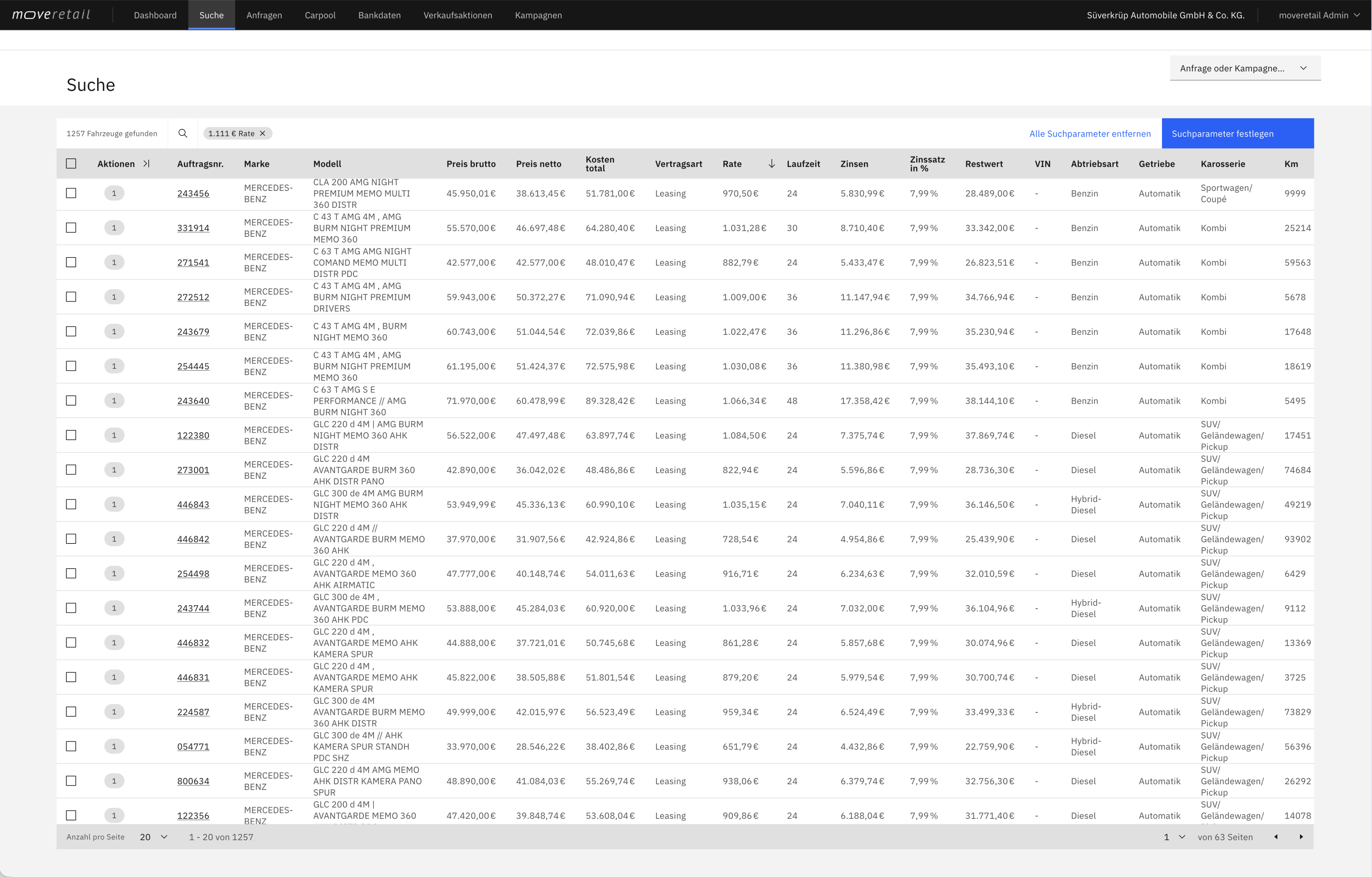
Vehicle search
Find vehicles by monthly payment
Search your connected inventory by customer budget, model and other vehicle preferences. Compare vehicles and terms that fit the desired monthly payment and contract length.
- Find vehicles that fit the desired monthly payment
- Compare how the term and down payment affect the monthly payment
- Calculate finance, leasing or subscription offers
Extensions and interfaces are enabled according to your company configuration.
Raw data & API
Connect vehicle data to your applications
Use the moveretail REST API to bring vehicle data and calculated terms into your application. Add budget search and offer details to your existing workflows.
- Get your API token
- Connect your own application
- Sync vehicle finance calculations in real time

Promotions
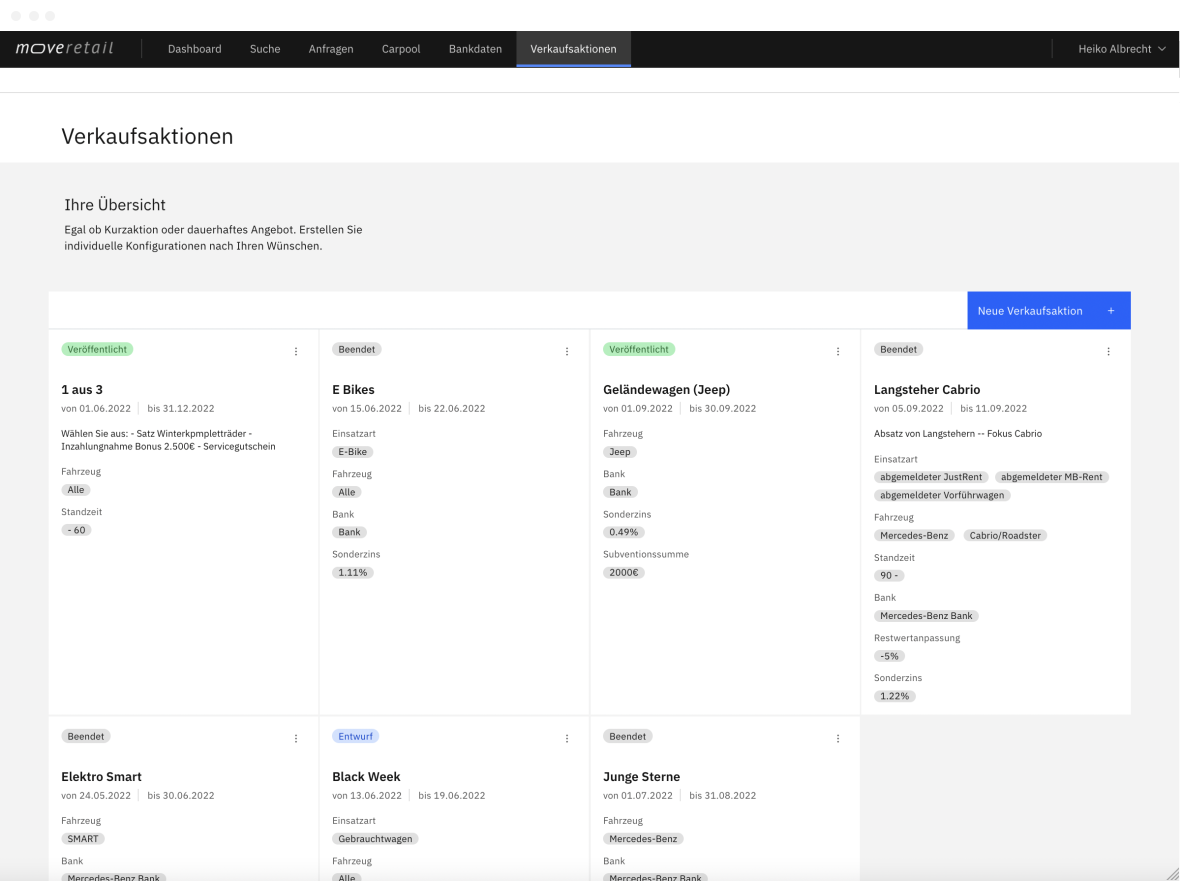
Apply sales promotions
Link individual or manufacturer promotions to matching vehicles. These incentives are included when calculating offers.
- Individual and manufacturer promotions
- Match to your inventory
- Included in calculations
Extensions and interfaces are enabled according to your company configuration.
Web integration
Show monthly payments on your website
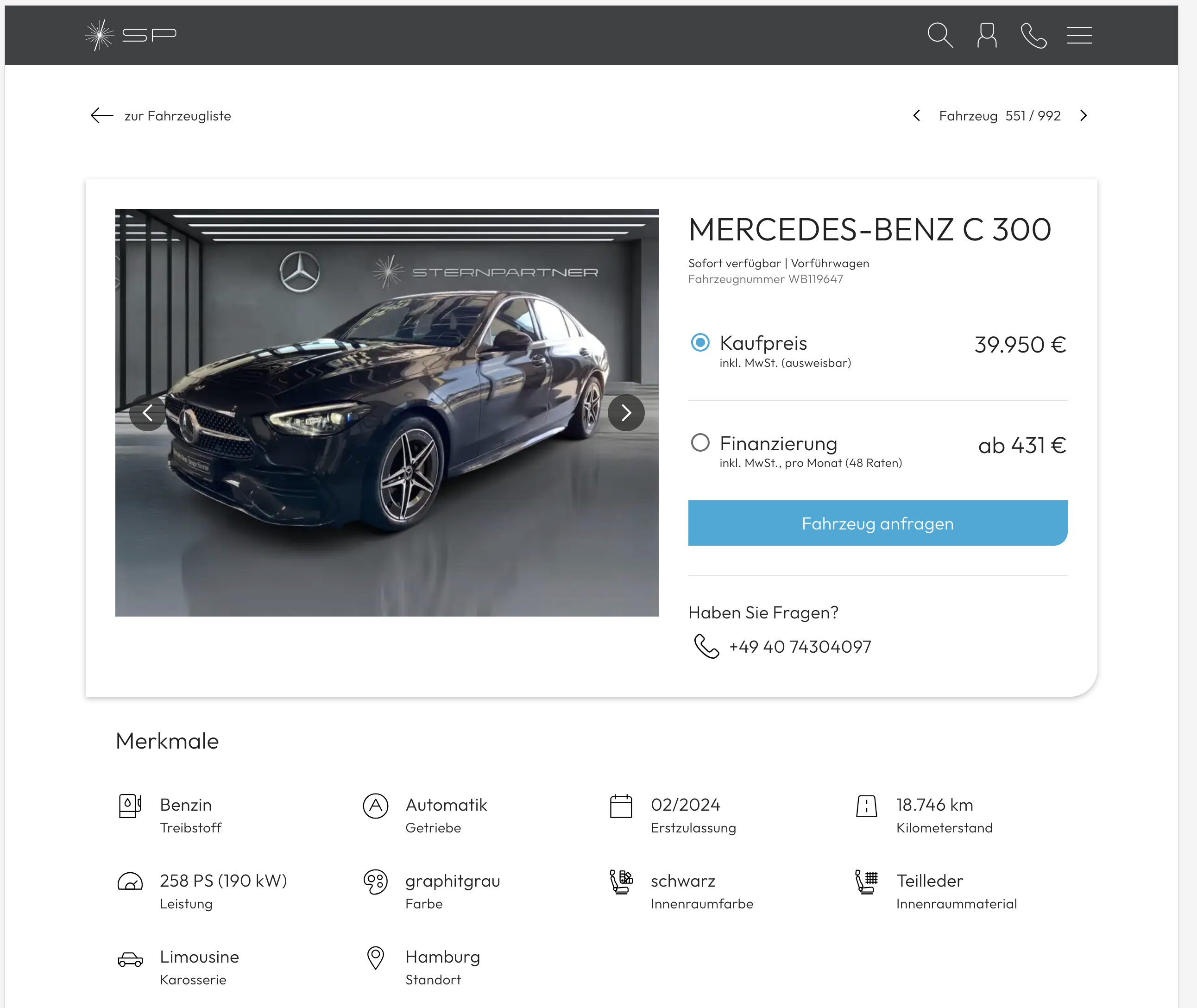
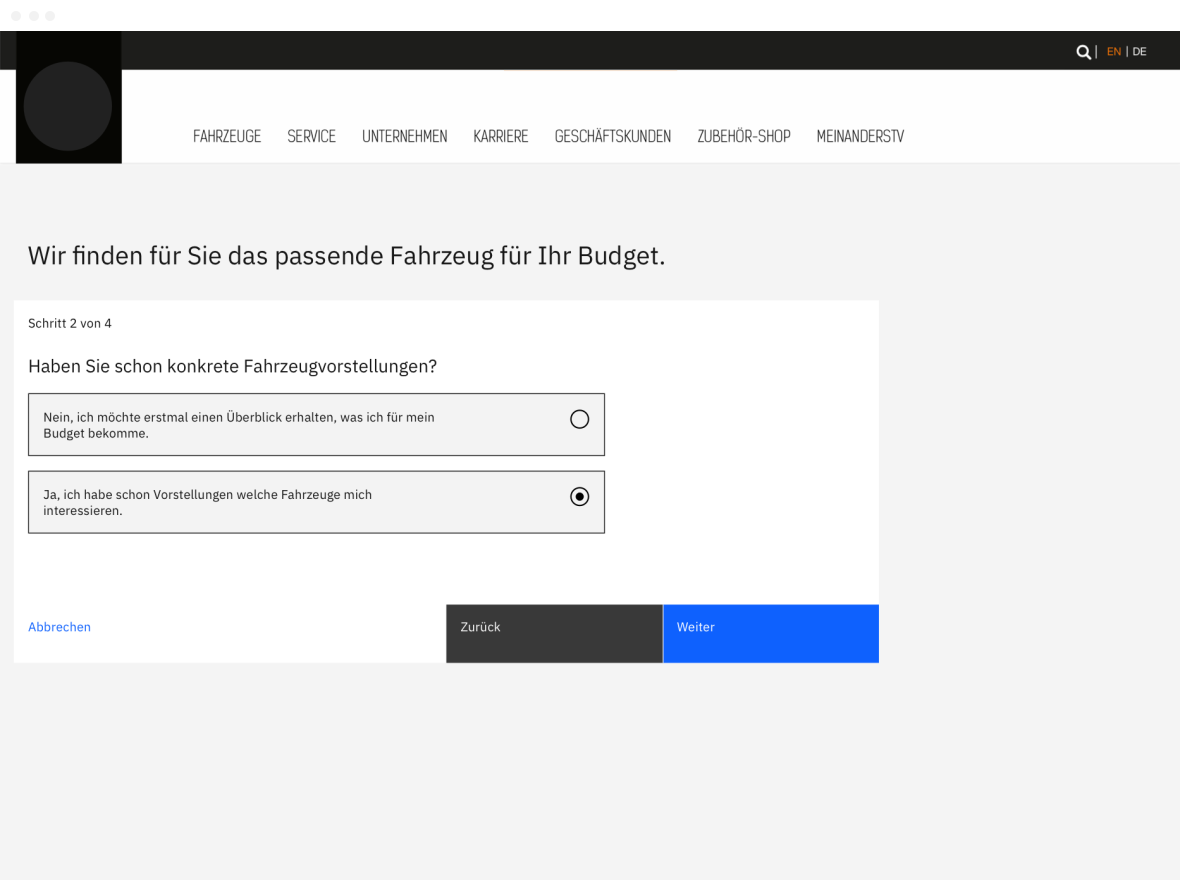
Add monthly payment search and digital inquiries to your website or online shop. Prospects find vehicles within their budget and receive calculated offers.
- Vehicle search by monthly payment
- Display finance and leasing payments
- Digital inquiries with calculated offers
Extensions and interfaces are enabled according to your company configuration.
Dashboard
Track inquiries and progress
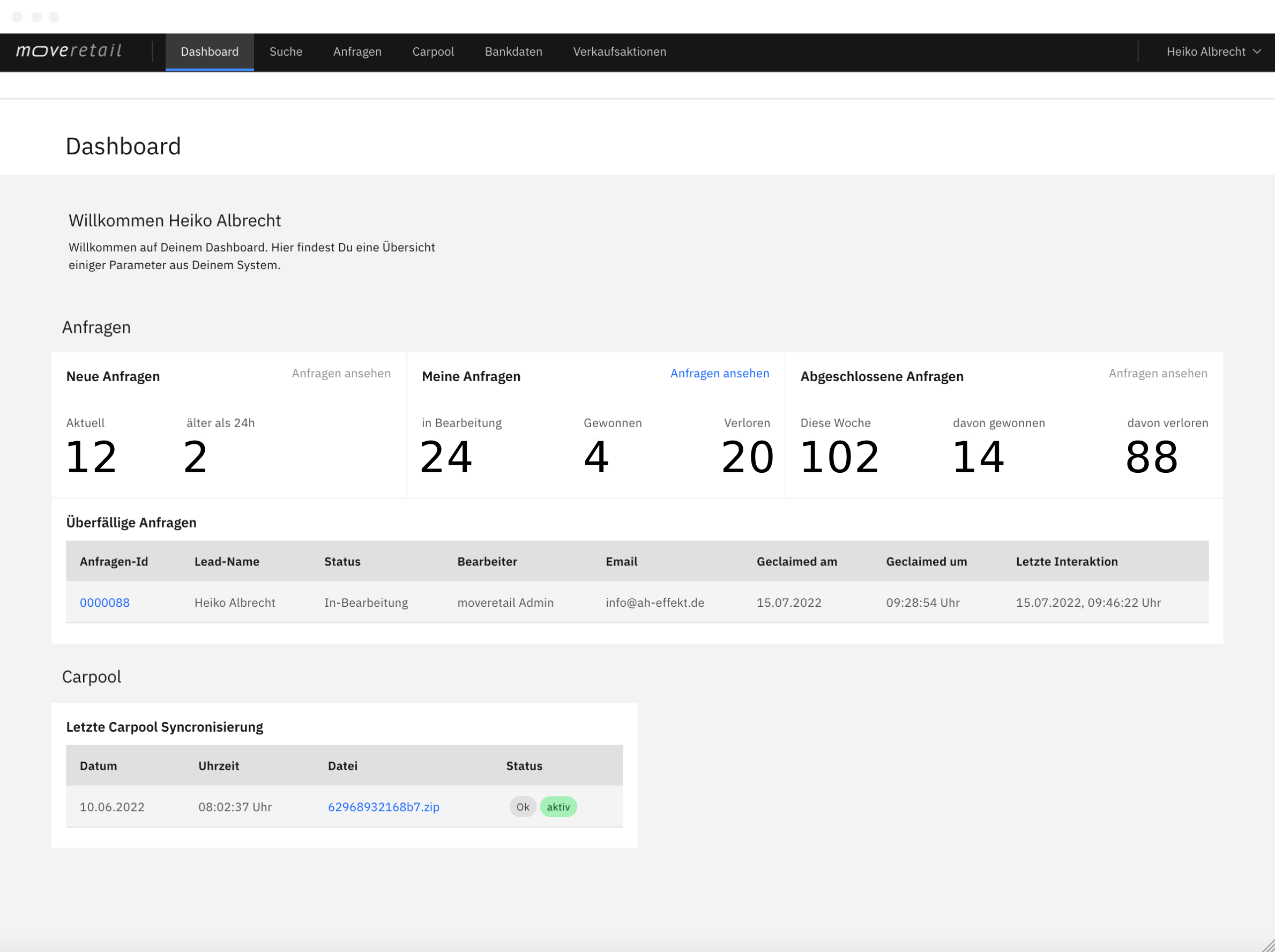
Keep track of new inquiries, progress and inventory synchronization, with information suited to each role.
- Role-specific overview
- New inquiries and progress
- Inventory synchronization
Extensions and interfaces are enabled according to your company configuration.
Connect inventory and sales channels
Getting started depends on your existing vehicle data, available terms and working practices.
Review your data
Check how your vehicle inventory can be connected and which terms are available for calculating offers.
Choose where to use it
Decide where your team needs calculated payments: during consultations, on your website or when handling digital inquiries.
Review the process with your team
Work through typical customer inquiries from the initial budget to an offer ready to send. See how moveretail fits your existing process.
See your quotation process in a demo
Explore inventory calculations and discuss how to connect your data and sales channels with moveretail.